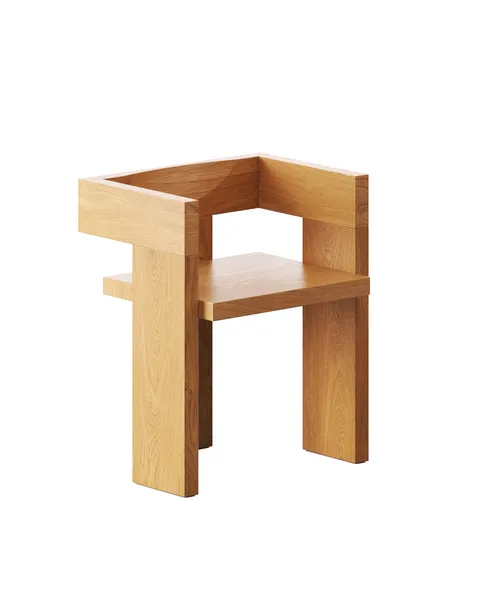
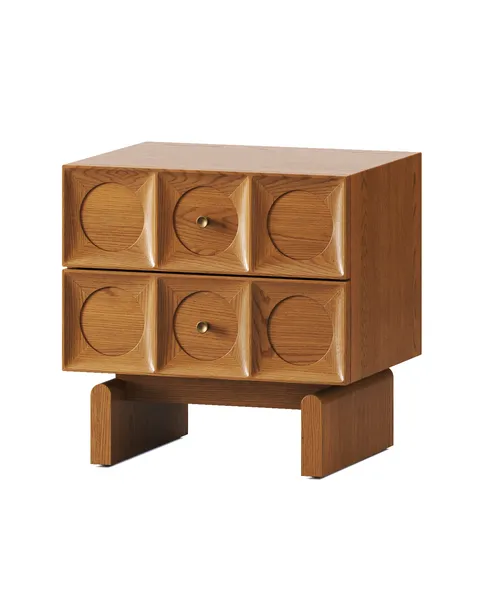
What Is a GLB File? A Guide for Furniture and Product Brands

A GLB file is a 3D model packed into a single file: the shape of the product, its materials and its textures travel together, so a website, a marketplace or a phone can open it without hunting for missing parts. For a furniture brand it is the file behind “View in 3D” on Amazon, behind a 3D viewer or AR button on your own site, and behind a product configurator. This guide covers what the format is, where you will be asked for it, what Amazon’s requirements say, and what we learned delivering GLB files for an Amazon furniture seller and for a 500-variant table configurator.
What is a GLB file?
GLB is the binary version of glTF, an open 3D format published by the Khronos Group, the standards body behind OpenGL and Vulkan. A glTF model can be several files (a text file that describes the scene, a binary file with the geometry, and separate images for the textures); a GLB puts all of them into one file.
Packing everything into one file is why GLB became the default for the web and for marketplaces. Nothing gets lost in an email or an upload form, and a browser can draw it directly. The format is free to use: there is no licence fee and no company that owns it.
To open one, drag it into the Khronos glTF Sample Viewer in a browser, or import it into Blender (File → Import → glTF 2.0).
Where does a furniture brand need GLB files?
A furniture brand needs GLB files wherever a customer turns a product in 3D or places it in their room: Amazon listings, a 3D viewer or AR button on your own product pages, a product configurator, and retailers that run their own 3D viewers. The request usually comes from someone else, a marketplace, a web developer or a retailer, as “please send the GLB”.
Amazon. Sellers can add 3D models to listings at no charge through Image Manager in Seller Central. The model powers “View in 3D”, where the shopper turns the product in the Amazon app, and “View in Your Room”, where the phone places it in the shopper’s room in AR (Amazon, 3D and AR tools).
Your own site. A 3D viewer on a product page loads a GLB and lets the customer turn the piece all the way round. On most phones the same file can also open in AR, which is why brands asking for 3D models for AR are usually asking for GLB files.
A product configurator. When customers change the timber, the legs or the size of a table, the configurator is swapping parts inside a GLB. A configurator is the most demanding use of the format, covered in its own section further down.
A GLB viewer is not the only way to let customers turn a product. A rendered 360° view keeps photo-quality light and materials but cannot go into the customer’s room; the trade-off is set out in 360° product photography vs rendered 360° views.
What does Amazon require from a GLB file?
Amazon accepts GLB and glTF, recommends GLB, and expects a model at real-world size, under 200,000 triangles, with 2K–4K textures and PBR materials, checked with the Khronos glTF Validator before upload. The list below is from Amazon’s Seller Central page “3D model technical requirements” in the version we worked with (October 2024). The page sits behind the Seller Central login and Amazon updates it, so check the current version before you brief anyone.
Format
- GLB (recommended, because it keeps the mesh and all textures in one file) or glTF. A glTF has to come as separate files; a glTF with images embedded in the text file is not accepted.
- Textures in PNG or JPG.
- The file must pass the Khronos glTF Validator. Amazon has no preview tool of its own and points to the Khronos Sample Viewer for a near-identical preview.
Geometry
- Real-world scale: the model’s dimensions match the assembled product. Inaccurate dimensions delay publication.
- No more than 200,000 triangles, per Amazon’s requirements.
- No broken geometry (invalid triangles, edges or vertices, flipped normals).
- No modifiers, animation, cameras or lights in the file.
Textures and materials
- Textures from 2K (2048 × 2048) to 4K (4096 × 4096), square, power-of-two sizes, one texture per channel.
- PBR Metal-Rough materials, with BaseColor, Metallic and Roughness maps required.
- Glass and thick plastic use the
KHR_materials_transmissionextension rather than plain transparency. Velvet and other pile fabrics can useKHR_materials_sheen, lacquered finishesKHR_materials_clearcoat. Draco mesh compression (KHR_draco_mesh_compression) is on the supported list.
Position
- The front of the product faces +Z, up is +Y.
- Floor-standing furniture sits on the Y = 0 plane with all geometry above it, centred on X and Z, pivot at 0,0,0.
- Wall-mounted products have their back on the Z = 0 plane. Ceiling products are not supported in View in Your Room.
One thing the document does not contain is a file-size limit. Figures such as “keep it under 5 MB” circulate online, but they are not in Amazon’s requirements we worked from. And Amazon does not accept only GLB, as some guides say: glTF is accepted too, GLB is the recommended option.
How it went for Dragonfly. Dragonfly, a furniture brand selling on Amazon, had been getting JPG and TIF listing images from us. In October 2024 they sent Amazon’s requirements and asked for GLB files to add 3D and AR to their listings. Before the main batch we sent test GLB files of one product, the Industrial Entry Table in two colours, so they could check them in a viewer first. The next batch was four products in two colours each, with six white-background images, six lifestyle images and one GLB per colour. The final GLB files met Amazon’s requirements and went into their Amazon listings.
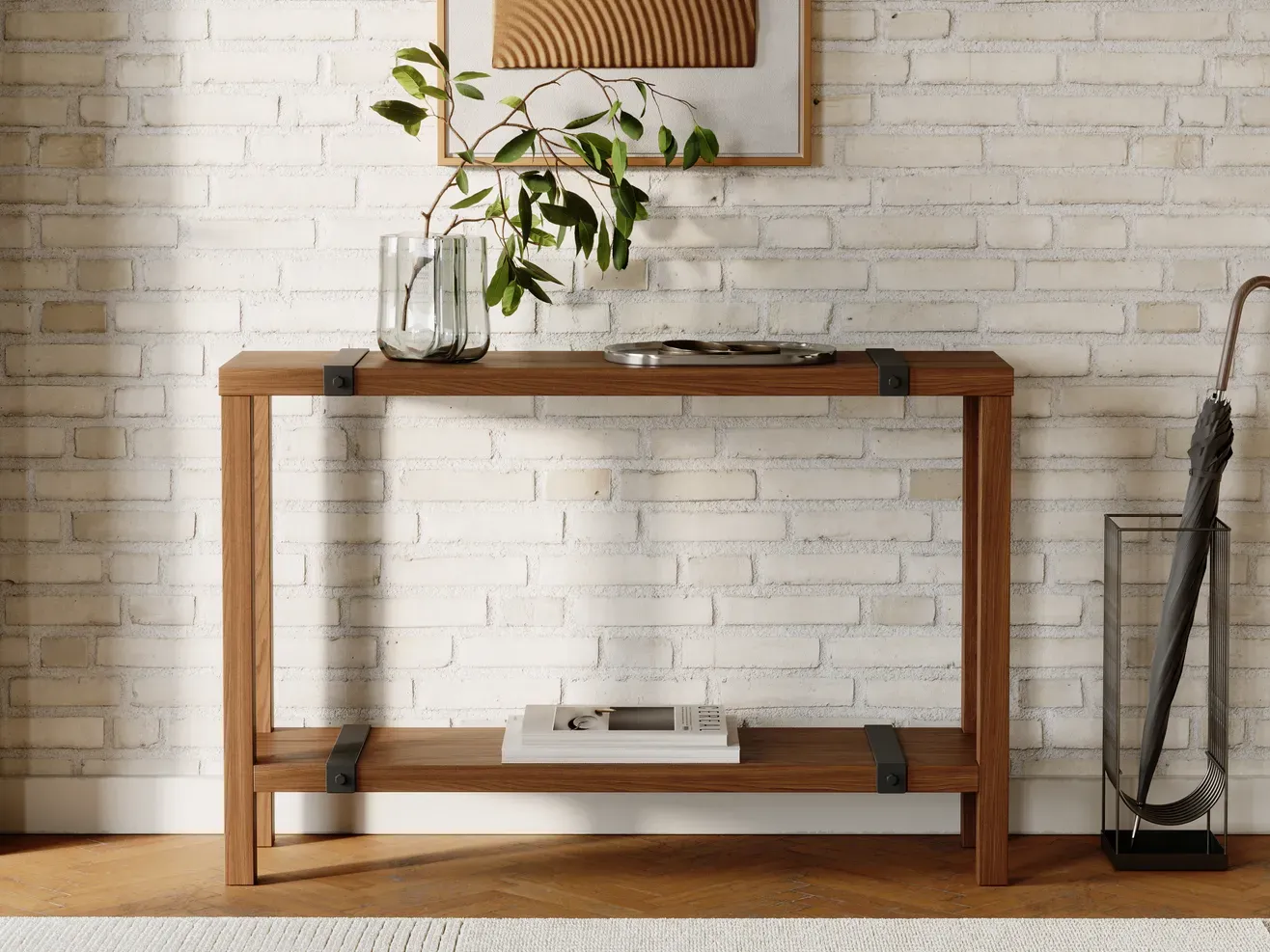
The Industrial Entry Table in walnut. The black version is at the top of this article. One 3D model, two colours, and one GLB file for each colour.
Can you get GLB files from the models behind your renders?
Yes, if your product images were rendered from 3D models, the same models can become GLB files without modelling anything again. For Dragonfly, exporting one product to GLB took about 1 hour 10 minutes. Each extra colour is a separate GLB file, but making it is a material swap on the same model, far less work than the first file.
It is not a “Save as” button, though. A render uses heavy, physically accurate materials and light; a GLB is drawn live by a phone or a browser. The materials and textures have to be rebuilt so they read correctly in a viewer, and even then the model in a viewer will look simpler than the photo-real render next to it. We tell clients that before the work starts, and sending a test file first, as Dragonfly did, is the quickest way to agree on what “looks right” means.
The match between the two matters to Amazon as well: the 3D model is expected to look like the product in the listing photos. Building both from one 3D model is the simplest way to guarantee that.
How small can a GLB file be?
Much smaller than the first export. For a UK furniture brand’s table configurator, one GLB file holds more than 500 table variants of their dining collection. Exported as-is it weighed about 176 MB; after optimisation it came to about 9 MB, roughly twenty times smaller. Shopify’s guidance for a 3D model is a total of about 4 MB, a target for one product; a configurator file that holds a whole collection of 500+ tables came to about 9 MB.
Three things did almost all of the work:
- Draco compression of the geometry. The same compression Amazon lists as a supported extension.
- Texture optimisation. Right-sizing and compressing the images that carry the timber grain and finishes.
- Removing what nobody sees. The bolts under the tabletop were about 40% of the file’s weight. A customer turning a table on a screen never sees them, so they went.
Measured on the UK furniture brand’s configurator files:
| File | Before | After |
|---|---|---|
| Dining collection, 500+ tables | ~176 MB | ~9 MB |
| Test file, 2 tables | 24 MB | 8 MB |
| Developer’s limit per collection | ~50 MB |
The configurator’s developer compared a 100 MB version with an 8 MB one and found no significant difference in detail.
If a GLB from a CAD or render file is far too heavy, ask what is inside it before anyone starts reducing detail on the parts the customer actually looks at.
What makes a GLB work in a product configurator?
A configurator needs a GLB built as a set of parts with predictable names, not as one finished object. The configurator finds each tabletop, frame and set of legs by its name and swaps them as the customer clicks, so the structure of the file matters more than its looks.
These were the developer’s requirements on the UK table configurator, a Three.js build on Shopify with four collections: boardroom tables, breakfast bars, dining tables and desks. The customer changes the timber, the finish, the tabletop shape and the style and colour of the legs.
- Separate meshes for the tabletop, the legs and the frame. Merged into one, the legs cannot be swapped and a finish cannot be applied to the top alone.
- A strict naming scheme, in this project six parts joined by underscores (timber type, finish, shape, size, leg style, leg colour), with placeholder words such as
nocolorornofinishfor an empty slot. The configurator reads the product options straight from these names. - The same scene hierarchy in every file, with no extra groups.
- One GLB per collection, with only one table shown at a time.
- Sizes in code. On the UK furniture brand’s tables, lengths such as 150, 200 and 300 cm are set by scaling in the configurator, so there is no separate mesh per size.
What goes wrong. Each of these happened on the project, and each is easy to check for:
- Compression changed the mesh names by adding a prefix. Check the names again after every optimisation pass.
- The export added an extra group to the hierarchy that the configurator did not expect.
- One typo in a name breaks the mapping for that variant, and it shows up only when someone clicks that exact combination.
- The leg drawings and the photos on the brand’s own site did not match. Model from approved drawings, not from the website.
The first full collection file took the longest to set up. The project resumed in early March 2026; the first collection was approved on 9 April, all four were delivered by 30 April, and the last approval came on 13 May.
How we build configurator models is on our product configurator page. Putting the configurator or a 3D viewer onto your store is web development; our partner studio Umberform builds the pages and embeds the viewer.
GLB vs glTF vs USDZ: which file do you need?
For Amazon, web viewers and configurators, GLB. glTF is the same format split into several files, useful when a developer wants to edit the parts separately. USDZ is Apple’s AR format, used by AR Quick Look on iPhone and iPad.
- GLB: glTF in one binary file. Used by Amazon (recommended), web 3D viewers and configurators.
- glTF: a scene description plus separate geometry and texture files. Accepted by Amazon as separate files; handy in development.
- USDZ: Apple’s packaged USD format, used by AR Quick Look in Safari and iOS apps.
A USDZ file is what an iPhone opens when a shopper taps “View in AR” in Safari: Apple’s AR Quick Look reads USDZ, not GLB. Many web viewers that show a GLB on a page also offer a USDZ version for iPhone users who tap the AR button. We deliver GLB and glTF; we do not produce USDZ files, so if your iPhone AR flow needs one, your developer or viewer platform converts it.
When do you not need a GLB file?
You do not need one if nowhere you sell shows products in 3D. A catalogue that only uses photos, a retailer that asks for JPGs, or a site with no viewer will never open the file.
Two other cases. A single product in one finish, with no Amazon listing and no viewer planned, is better served by good images now and a GLB later, from the same model. And a model that was not built to the product’s real dimensions should be corrected first: Amazon checks scale, and AR shows a wrong size immediately when the sofa appears in someone’s living room at the wrong length.
If you sell in several finishes and the model is already behind your renders, the GLB is usually the cheapest 3D asset you will ever add. Our furniture rendering page shows what else the same model produces.
Frequently asked questions
Is GLB free to use?
Yes. glTF and GLB are open standards from the Khronos Group, with no licence fee for creating, opening or publishing the files.
How do I open a GLB file?
Drag it into the Khronos glTF Sample Viewer in a browser, or import it into Blender as glTF. Amazon refers sellers to the Khronos Sample Viewer for a near-identical preview of how the model will look.
Is GLB the same as glTF?
It is the same format in a different package. glTF can be several files; GLB is one binary file with the geometry and textures inside.
How many triangles can a GLB have for Amazon?
No more than 200,000, according to the Amazon requirements we worked with in October 2024. Check the current “3D model technical requirements” page in Seller Central before you start.
Can one GLB hold several colours?
It can for a configurator: our UK table file holds more than 500 variants, and the configurator switches between them. For Amazon, each colour went as its own GLB file, made by swapping materials on the same model.
Do GLB files work on iPhone?
A GLB shows in 3D viewers in Safari like in any browser. AR Quick Look, the iPhone’s native AR, uses USDZ, so web viewers usually pair the GLB with a USDZ version for that button.
How long does it take to make a GLB from an existing model?
For a furniture product already modelled for renders, about 1 hour 10 minutes for the first file on the Dragonfly project. Extra colours take far less, because they are material swaps.
Sources
- Amazon Seller Central Help, “3D model technical requirements” (Seller Central login required), version of October 2024.
- Amazon, 3D and AR tools for sellers.
- Shopify Help Center, Creating 3D models: total file size of about 4 MB.
- Khronos Group, glTF Validator and glTF Sample Viewer.
- File sizes, timings and requirements: Render Friends projects for Dragonfly (2024) and a UK furniture brand’s table configurator (March–May 2026).